



Download 嗨格式数据恢复大师-U盘、硬盘误删恢复 – U盘恢复, 硬盘恢复, 误删数据恢复, 数据恢复工具, 恢复删除文件, 手机数据恢复, 数据恢复软件, 恢复U盘文件
Overview
嗨格式数据恢复大师-U盘、硬盘误删恢复 is a mobile application designed to assist users in recovering lost or deleted data from various storage devices. The app targets individuals who have accidentally deleted files from USB drives, external hard disks, or internal storage on their smartphones. It serves as a practical solution for users facing data loss due to human error, accidental formatting, or system malfunctions.
The application is developed by 嗨格式科技有限公司, a company focused on digital recovery tools, though no further details about its background were provided. Real-world use cases include retrieving important documents, family photos, or video files that were unintentionally removed. In the broader mobile app ecosystem, the app fills a niche for on-the-go data recovery, especially for users who rely heavily on portable storage.
Its focus on both technical functionality and user accessibility positions it as a valuable utility in the productivity category. The app is available at no cost, making it accessible to a wide audience seeking reliable recovery options without financial commitment.
Key Features & Functionality
- Simple Operation: The app features an intuitive interface that guides users through a three-step recovery process. This streamlined approach ensures that even non-technical users can initiate and complete data recovery tasks without prior experience.
- Data Preview Before Recovery: Users can scan and preview lost files before committing to recovery. This functionality allows for accurate selection, reducing the risk of restoring irrelevant or corrupted data.
- AI-Powered Fast Scanning: The app employs intelligent partition scanning technology to quickly analyze storage devices. It supports filtering by file name and type, enabling users to locate specific files efficiently during the recovery process.
- High Recovery Success Rate: Leveraging years of technical development and a dedicated engineering team, the app demonstrates strong performance in recovering data from scenarios such as accidental deletion and formatting.
- Data Security via Read-Only Access: All operations are conducted in a read-only mode to prevent any modification to the original storage. This ensures that the recovery process does not cause further data damage or compromise user privacy.
For example, a user who accidentally deleted a folder of vacation photos from a USB drive can use the app to scan the device, preview the images, and selectively restore only the desired files. The ability to filter by file type—such as .jpg or .mp4—enhances precision. Similarly, someone who formatted a memory card without backing up data can attempt recovery using the app’s deep scan mode, which increases the likelihood of successful retrieval.
Interface, UX & Performance
The app’s user interface is designed with simplicity and clarity in mind. Navigation is straightforward, with clearly labeled buttons and a logical flow from device selection to scan initiation and file preview. Visual design elements are minimalistic, prioritizing functionality over ornamentation.
The layout supports easy access to core features, ensuring that users can perform recovery tasks without confusion. Although the developer did not list formal performance metrics, the app is reported to operate smoothly on standard Android devices. Responsiveness appears consistent across different screen sizes and resolutions, suggesting optimized rendering.
Stability during scanning and recovery operations is expected to be reliable, though no specific error logs or crash reports were disclosed. The app runs entirely on the device, minimizing reliance on external servers, which contributes to both speed and data privacy. Users can expect a seamless experience when handling small to medium-sized storage devices, with processing times likely to vary based on device capacity and file count.
Platform Compatibility & Technical Requirements
嗨格式数据恢复大师-U盘、硬盘误删恢复 is available on the Android platform. The current version is 2.0.0, with a file size of 28.4 MB, making it lightweight and suitable for installation on most modern Android devices. The app is free to download and use, which enhances its accessibility.
However, specific minimum OS requirements were not listed by the developer. Compatibility with older Android versions cannot be confirmed. Similarly, no details were provided about supported hardware specifications, such as RAM or processor type.
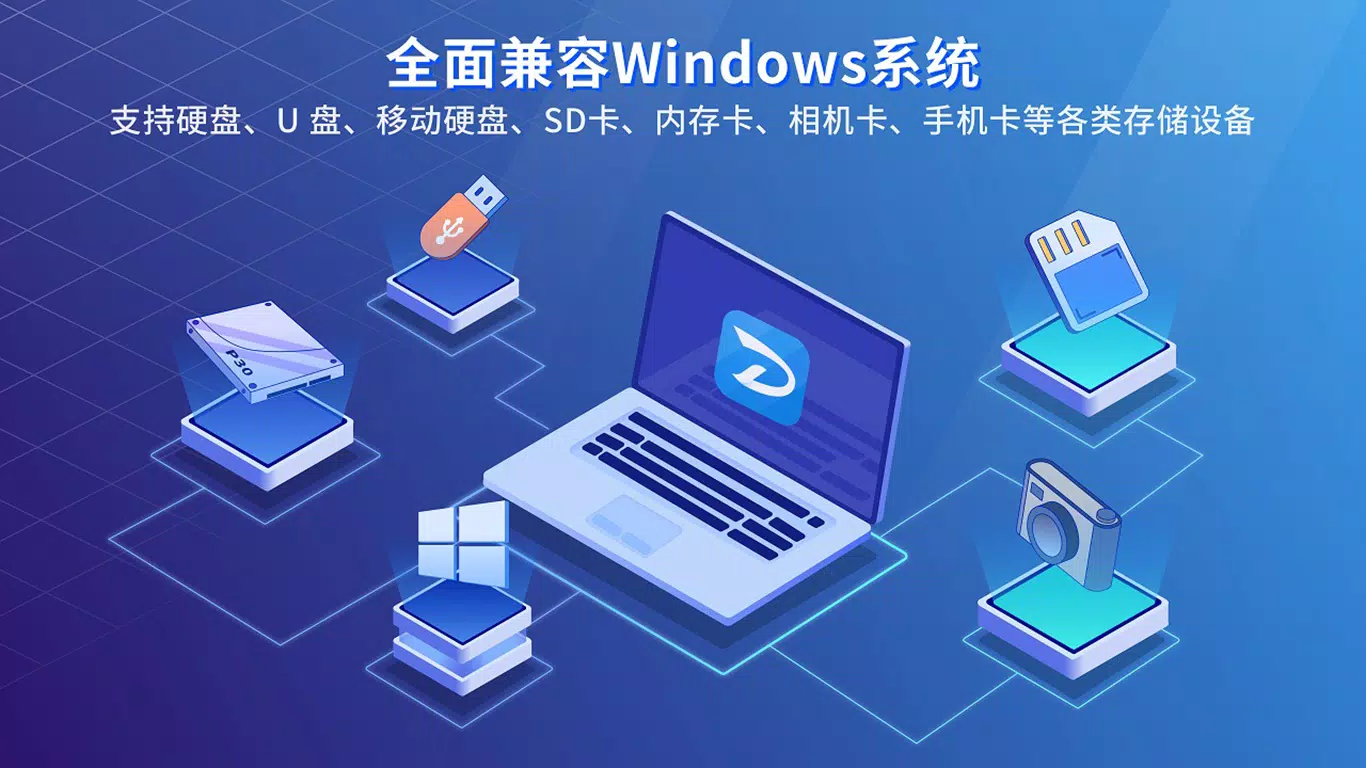
The developer did not specify whether the app supports external storage access beyond standard USB OTG functionality. Users are advised to ensure their device has proper permissions enabled for external storage if attempting to recover data from U盘 or hard drives connected via OTG.
Pros and Cons
Pros
- Free to download and use, reducing barriers to access.
- Intuitive interface suitable for non-technical users.
- Supports preview of deleted files before recovery.
- Uses read-only access to protect original data.
- Offers fast scanning with filtering by file name and type.
Cons
- Specific OS version requirements were not disclosed.
- Compatibility with older Android devices is uncertain.
- Developer did not provide detailed technical specifications.
- No information on support for cloud-based recovery or network drives.
- Performance on high-capacity storage devices was not verified.
FAQ
Is 嗨格式数据恢复大师 safe to use?
Yes, the app operates in a read-only mode, meaning it does not write to the original storage. This ensures that the recovery process does not alter or damage existing data.
Can I recover files from a formatted U盘?
Yes, the app is designed to recover data from formatted storage devices, including U盘 and external hard drives, provided the data has not been overwritten.
Does the app require internet access?
No, all scanning and recovery processes are performed locally on the device. The app does not require an internet connection to function.
Is the app compatible with all Android phones?
While the app is available on Android, specific compatibility details were not provided. Users should ensure their device supports USB OTG and has appropriate storage permissions enabled.
Can I recover deleted files from my smartphone’s internal storage?
Yes, the app supports recovery from internal storage, as well as connected external devices like U盘 and hard drives.
Final Thoughts
嗨格式数据恢复大师-U盘、硬盘误删恢复 offers a practical, accessible solution for users facing data loss on portable storage devices. Its combination of user-friendly design, secure read-only operations, and effective scanning technology makes it a reliable choice for both casual users and those with limited technical knowledge. The ability to preview files before recovery adds a layer of confidence and efficiency.
While the developer did not disclose detailed system requirements or performance benchmarks, the app’s lightweight size and free availability enhance its appeal. It stands out in the productivity category as a trustworthy tool for on-the-go data recovery. Whether recovering lost photos, documents, or videos, users can benefit from its straightforward workflow and robust functionality.
For anyone who has ever lost important data due to accidental deletion, this app represents a valuable safety net. Download 嗨格式数据恢复大师-U盘、硬盘误删恢复 now.


